Gaming PC Accessories Buying Guide: Monitor, Mouse, and Peripherals
As gaming continues to surge in popularity, fueled by advancements in technology and an ever-growing community of enthusiasts, the demand for high-quality gaming PC accessories is at an all-time high. Whether you’re a casual player or a competitive gamer, the right peripherals can significantly enhance your overall experience, providing you with the edge you need to elevate your gameplay. In this comprehensive buying guide, we’ll explore essential gaming accessories, including monitors, mice, and other peripherals, to help you make informed purchasing decisions that align with current market trends.
Buying Criteria for Gaming Accessories
When selecting gaming accessories, it’s crucial to consider several key factors that can affect performance and comfort. Here’s what to keep in mind:
- Compatibility: Ensure that your chosen accessories are compatible with your gaming setup, including your PC’s specifications and your preferred gaming platform.
- Ergonomics: Comfort is paramount, especially during long gaming sessions. Look for accessories designed with ergonomic features to reduce strain and enhance your gaming endurance.
- Performance: For peripherals like mice and keyboards, responsiveness and precision are vital. Features such as DPI settings for mice and anti-ghosting for keyboards can make a significant difference.
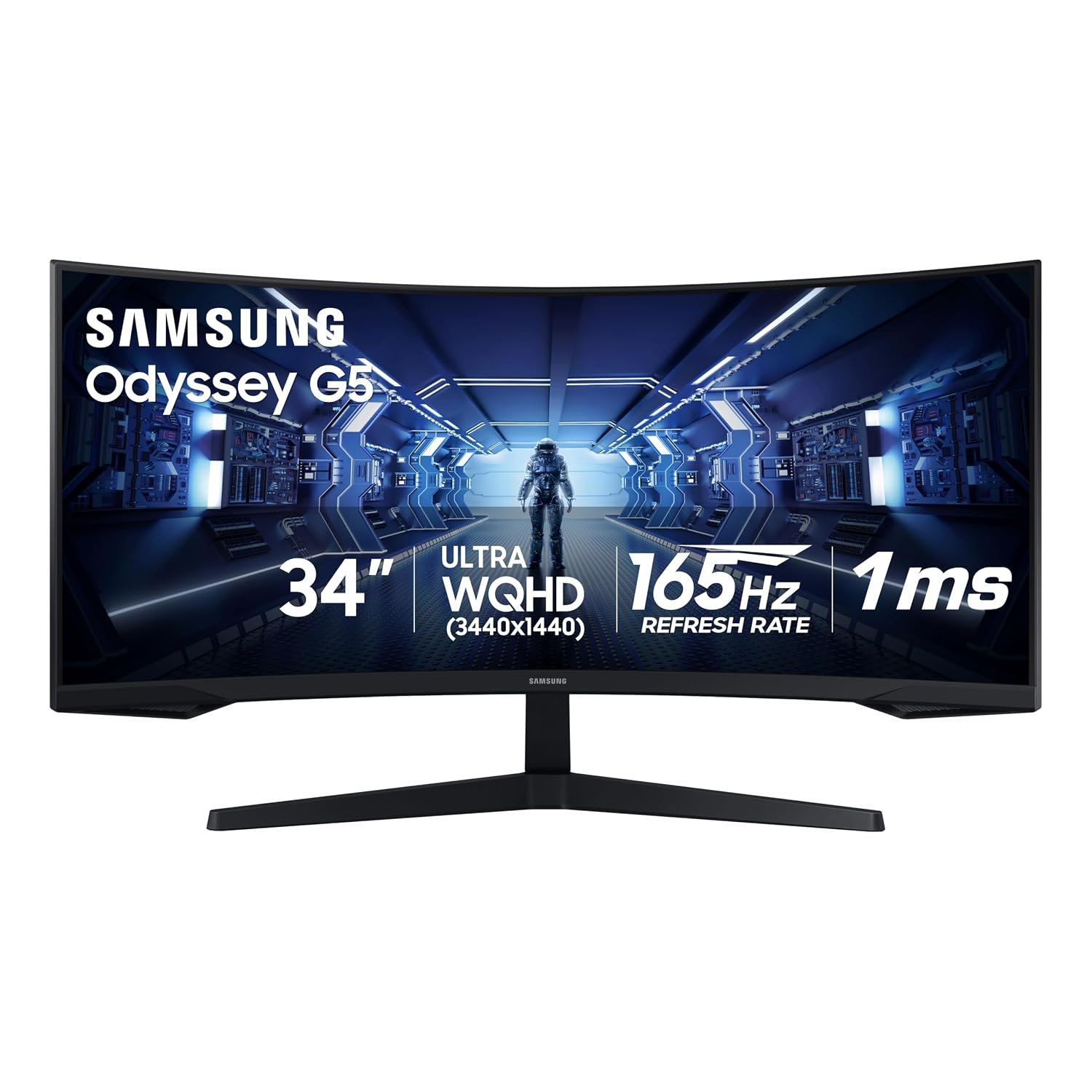
- Display Quality: When it comes to monitors, consider resolution (1080p, 1440p, or 4K), refresh rate (60Hz, 144Hz, or higher), and panel type (IPS, TN, or VA) to ensure you get the best visual experience.
Current Trends in Gaming Accessories
The gaming accessory market is constantly evolving, with several trends shaping consumer preferences in 2026. Here are some notable trends to watch:
- Wireless Technology: The shift towards wireless peripherals is gaining momentum, offering gamers more freedom of movement without compromising performance.
- Customization: Gamers are increasingly seeking customizable options, from RGB lighting to programmable buttons, allowing them to tailor their setups to their personal style and gameplay needs.
- High Refresh Rates: Monitors with high refresh rates are becoming standard, providing smoother gameplay experiences that are particularly beneficial in fast-paced titles.
- Streaming Integration: As game streaming gains popularity, accessories designed for content creators, such as high-quality webcams and microphones, are in high demand.
What to Look For in Gaming Peripherals
When browsing through gaming accessories, consider the following features to ensure you make the best choice:
- Mouse: Look for adjustable DPI settings, customizable buttons, and a comfortable grip. Wired options often provide faster response times, while wireless models offer convenience.
- Keyboard: Mechanical keyboards are favored for their tactile feedback and durability. Choose between different switch types based on your typing and gaming preferences.
- Monitor: Prioritize features like adaptive sync technology (G-Sync or FreeSync) to eliminate screen tearing, and consider the size and resolution that best suits your gaming style.
- Headset: A good gaming headset should provide clear audio, a comfortable fit, and a quality microphone for in-game communication.
Common Mistakes to Avoid When Buying Gaming Accessories
Even seasoned gamers can fall into traps when purchasing accessories. Here are some common mistakes to avoid:
- Ignoring Reviews: Always check user reviews and expert recommendations to gauge the performance and reliability of a product before making a purchase.
- Overlooking Compatibility: Ensure that your accessories work seamlessly with your existing setup to avoid any functionality issues.
- Focusing Solely on Aesthetics: While looks matter, prioritize functionality and comfort over flashy designs to enhance your gaming experience.
- Neglecting Budget: It’s easy to overspend on the latest gadgets. Set a budget and stick to it, ensuring you get the best value for your money.
FAQ
What is the best DPI for a gaming mouse?
The best DPI for a gaming mouse varies depending on personal preference and the type of games you play. Generally, a range of 800 to 1600 DPI is suitable for most gamers, while competitive players may prefer higher DPI settings for precision.
How important is monitor refresh rate for gaming?
Monitor refresh rate is crucial for gaming, especially in fast-paced genres. A higher refresh rate (like 144Hz or 240Hz) provides smoother motion and reduces input lag, enhancing your overall gaming experience.
Are mechanical keyboards worth the investment?
Yes, mechanical keyboards are often worth the investment due to their durability, responsiveness, and customizable features. They provide a better typing experience, making them ideal for both gaming and general use.
In conclusion, investing in the right gaming PC accessories can dramatically enhance your gaming experience. By considering factors such as compatibility, performance, and current trends, you can make informed choices that suit your gaming style. Whether you’re upgrading your mouse, monitor, or headset, prioritize quality and comfort to ensure you get the most out of your gaming sessions. Happy gaming!