Best Multi-Monitor Setup Accessories for Productivity in 2026
As we dive into 2026, the trend of multi-monitor setups has solidified its place as a cornerstone of productivity in both home and hybrid office environments. With remote work becoming a long-term norm, professionals are increasingly seeking ways to enhance their workflow, and a multi-monitor station is at the forefront of this evolution. By expanding screen real estate, users can manage multiple applications simultaneously, streamline their tasks, and ultimately boost their efficiency. In this article, we’ll explore the best accessories to optimize your multi-monitor setup, ensuring you get the most out of your investment in productivity.
Buying Criteria for Multi-Monitor Accessories
When selecting accessories for your multi-monitor setup, consider the following criteria to ensure you make the best choices:
- Compatibility: Ensure that the accessories are compatible with your monitors and computer. Check for ports, sizes, and specifications.
- Adjustability: Look for stands and mounts that offer height, tilt, and swivel adjustments. Ergonomic positioning can significantly reduce strain during long working hours.
- Durability: Opt for high-quality materials that can withstand daily use. Accessories made from sturdy metals or premium plastics are preferable.
- Ease of Installation: Choose products that are easy to set up. Accessories that come with clear instructions or tools can save you time and frustration.
Current Trends in Multi-Monitor Setups
The multi-monitor setup trend is not just about having more screens; it’s about enhancing productivity through smart design and technology. In 2026, the following trends have emerged:
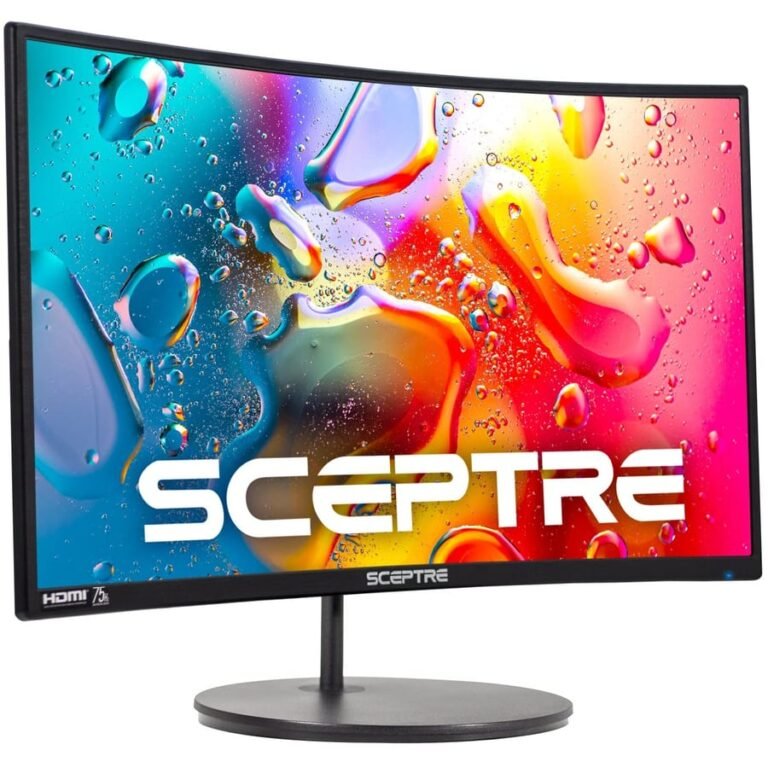
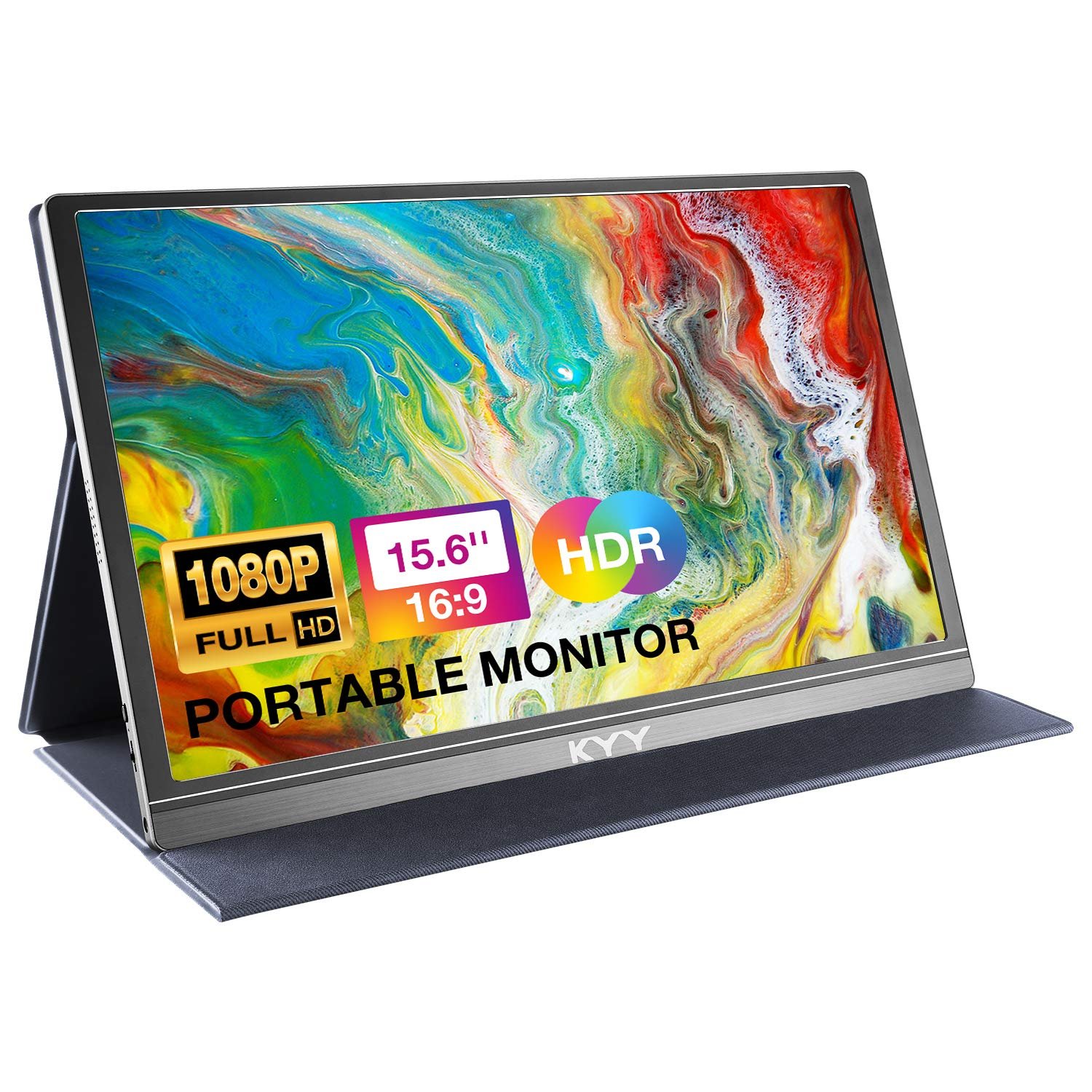
- Ultra-Wide Monitors: Many users are opting for ultra-wide monitors as an alternative to dual setups, providing a seamless viewing experience without bezels interrupting the screen.
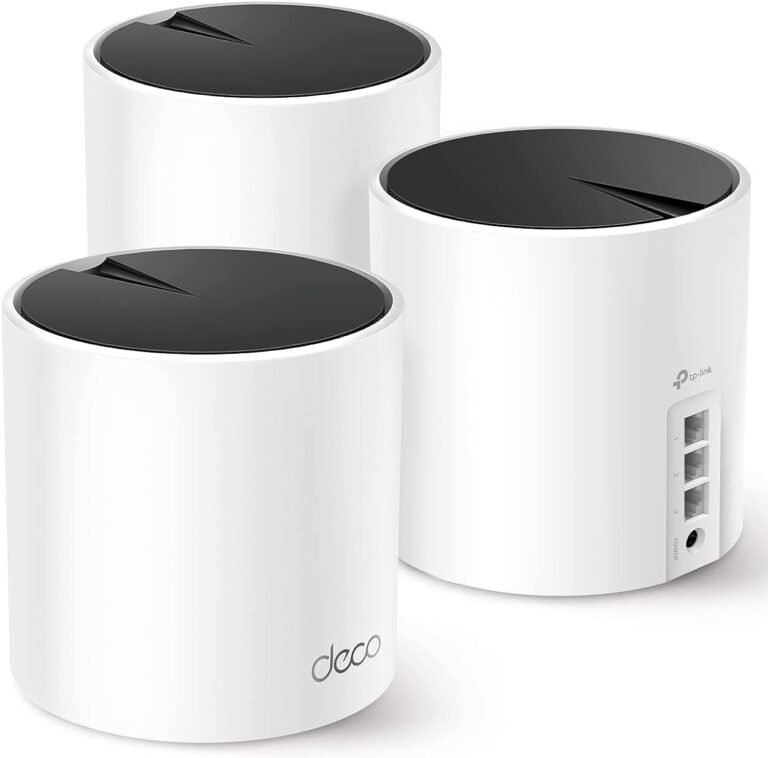
- Wireless Solutions: With advancements in technology, wireless monitor connections are becoming more popular, reducing cable clutter and enhancing mobility.
- Smart Features: Monitors with built-in smart features, such as screen sharing and integrated webcams, are gaining traction, making them ideal for hybrid work settings.
What to Look For in Multi-Monitor Accessories
To maximize your productivity with a multi-monitor setup, here are key accessories to consider:
- Monitor Stands and Mounts: A good stand or mount not only saves desk space but also allows for better ergonomics. Look for options that support multiple monitors and offer flexible positioning.
- Cables and Adapters: Ensure you have the right cables and adapters to connect your monitors. High-quality HDMI or DisplayPort cables can prevent signal loss and maintain display quality.
- USB Hubs: With multiple monitors, you’ll likely need additional USB ports. A powered USB hub can help manage connections for peripherals like keyboards, mice, and external drives.
Common Mistakes to Avoid
As you set up your multi-monitor workspace, be mindful of these common pitfalls:
- Ignoring Ergonomics: Failing to adjust monitor heights and angles can lead to discomfort and strain. Invest time in finding the right setup for your posture.
- Overlooking Cable Management: A disorganized array of cables can lead to a cluttered workspace. Use cable management solutions to keep your area tidy.
- Not Testing Compatibility: Before purchasing accessories, double-check that they are compatible with your monitors and computer to avoid unnecessary returns.
FAQ
What is the ideal size for a monitor in a multi-monitor setup?
The ideal monitor size depends on your workspace and personal preference. Generally, 24 to 27 inches is a popular range for most users, providing a good balance between screen real estate and desk space.
Can I use different brands of monitors in a multi-monitor setup?
Yes, you can mix different brands of monitors in a multi-monitor setup. However, ensure that their resolutions and color profiles are similar for a more cohesive visual experience.
How can I improve my productivity with a multi-monitor setup?
To enhance productivity, arrange your monitors strategically, utilize software tools for window management, and customize your workspace to minimize distractions and optimize workflow.
In conclusion, investing in the right multi-monitor setup accessories can significantly enhance your productivity in 2026. By considering compatibility, adjustability, and current trends, you can create an efficient workspace tailored to your needs. Whether you choose monitor stands, high-quality cables, or USB hubs, the right accessories will help you maximize your multi-monitor experience. For a seamless transition into a more productive workflow, consider exploring the top-rated accessories available today.