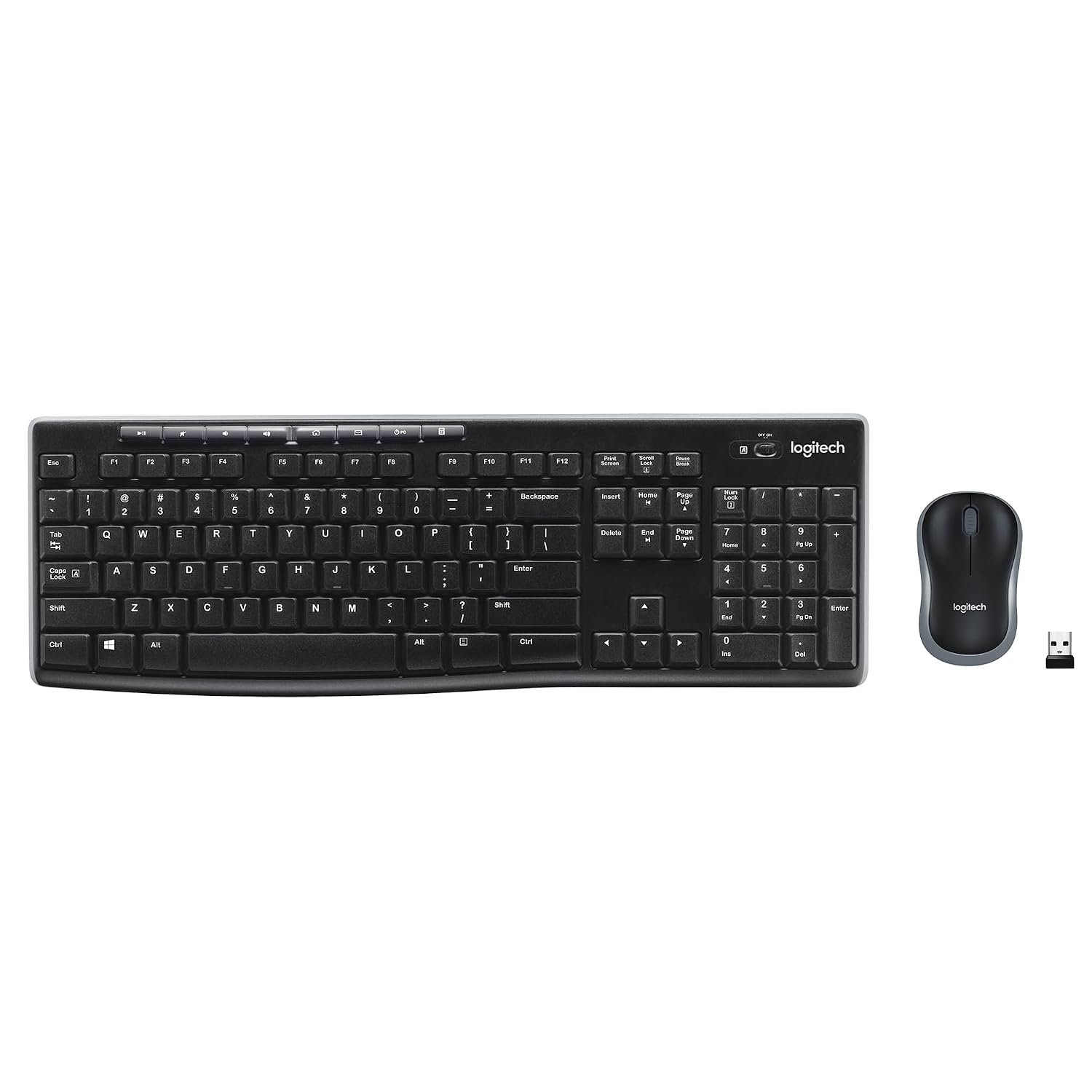
Essential PC Accessories: The Only 3 Upgrades Most People Need
In today’s fast-paced digital world, optimizing your workspace can significantly enhance productivity and comfort. As technology continues to evolve, many users are looking for budget-friendly upgrades that can make a noticeable difference in their computing experience. According to recent market trends for 2026, three essential PC accessories stand out as the most impactful upgrades: a reliable mouse, a versatile USB hub, and a functional monitor light bar. In this article, we’ll explore why these accessories are crucial, how to choose the right ones, and common mistakes to avoid when upgrading your setup.
Understanding the Importance of Each Accessory
Before diving into the specifics of each accessory, it’s important to understand why these upgrades are essential for most users. A reliable mouse improves precision and comfort during long hours of use, while a USB hub expands connectivity options, allowing you to connect multiple devices without hassle. A monitor light bar not only enhances visibility but also reduces eye strain, making it easier to work in dimly lit environments. Together, these accessories can transform your workspace into a more efficient and enjoyable environment.
Buying Criteria for Essential PC Accessories
When selecting the right mouse, USB hub, and monitor light bar, there are several key criteria to consider:
- Mouse: Look for ergonomic designs that fit comfortably in your hand. Consider features like DPI settings for sensitivity adjustments and wireless capabilities for a clutter-free workspace.
- USB Hub: Choose a hub that offers multiple ports, including USB-C options for modern devices. Ensure it supports fast data transfer rates and has surge protection to safeguard your devices.
- Monitor Light Bar: Opt for adjustable brightness settings and color temperature options to customize your lighting. A design that clips onto your monitor can save desk space and provide direct illumination.
Current Trends in PC Accessories for 2026
The landscape of PC accessories is constantly changing, and 2026 is no exception. The demand for ergonomic and multifunctional devices is on the rise, as more users prioritize comfort and efficiency. Additionally, with the increasing number of devices requiring connectivity, the USB hub market is expanding, featuring hubs with various port configurations and added functionalities like charging capabilities. Monitor light bars are also gaining popularity, especially among remote workers and gamers, who seek to enhance their visual experience while minimizing eye fatigue.
Common Mistakes to Avoid When Upgrading
As you consider upgrading your PC accessories, be mindful of these common pitfalls:
- Ignoring Compatibility: Always check that your new accessories are compatible with your existing devices to avoid unnecessary returns or frustrations.
- Overlooking Ergonomics: Don’t sacrifice comfort for aesthetics. An accessory that looks good but is uncomfortable can lead to strain and decreased productivity.
- Neglecting Reviews: Failing to read user reviews can result in purchasing low-quality products. Take the time to research and choose accessories that are highly rated by other users.
Frequently Asked Questions
What type of mouse is best for gaming?
For gaming, a mouse with a high DPI (dots per inch) rating and customizable buttons is ideal. Look for a model that offers adjustable sensitivity settings and a comfortable grip for extended gaming sessions.
How many ports should a USB hub have?
The number of ports you need depends on how many devices you plan to connect. A hub with at least 4-7 ports is generally sufficient for most users, but if you have multiple peripherals, consider a hub with more ports or additional features like fast charging.
Do monitor light bars really help reduce eye strain?
Yes, monitor light bars can significantly reduce eye strain by providing even lighting that minimizes glare and shadows. They also help maintain a comfortable contrast between your screen and the surrounding environment, making it easier to work for longer periods.
In conclusion, investing in a reliable mouse, a versatile USB hub, and a functional monitor light bar can dramatically improve your computing experience without breaking the bank. These upgrades are not only practical but also enhance your overall productivity and comfort. At ChampionsReviews.com, we recommend evaluating your specific needs and choosing high-quality options that fit your budget. With the right accessories, you can create a workspace that truly supports your digital endeavors.