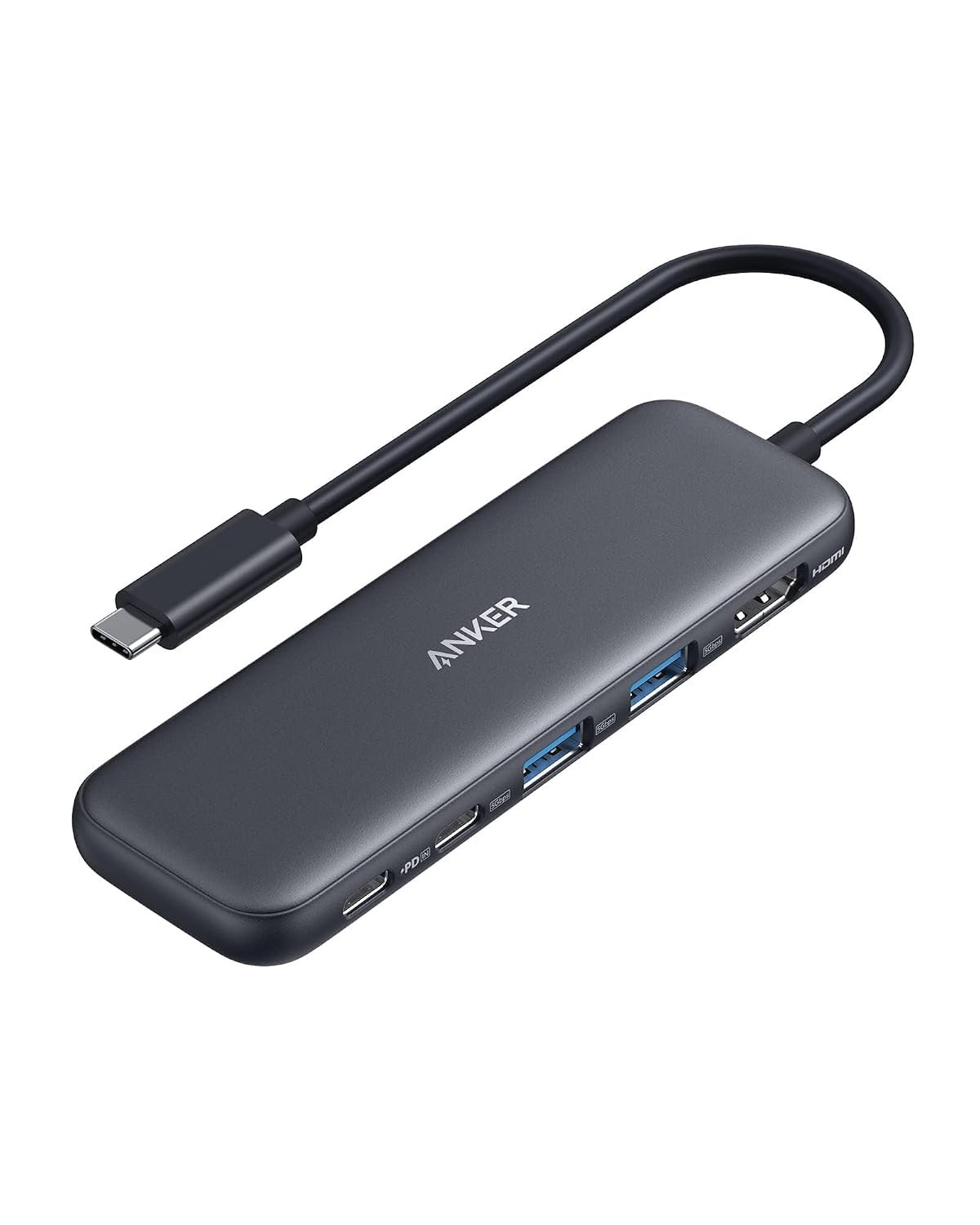
Best Laptop Docking Stations for a True Multi-Device Setup
In today’s fast-paced digital world, the need for seamless connectivity across multiple devices has never been more critical. As we move into 2026, the trend of creating a robust multi-device ecosystem continues to dominate the laptop accessory market. A top-quality laptop docking station can transform your workspace, enabling you to connect various peripherals effortlessly, from monitors to external storage devices. Whether you’re a remote worker, a gamer, or a creative professional, investing in the right docking station can enhance your productivity and streamline your workflow. In this article, we’ll explore the best laptop docking stations for a true multi-device setup, ensuring you have all the information you need to make an informed decision.
Buying Criteria for Laptop Docking Stations
When selecting a docking station, several factors should be at the forefront of your decision-making process. Here are the key criteria to consider:
- Compatibility: Ensure the docking station is compatible with your laptop’s operating system and connectors. Most modern docks support USB-C and Thunderbolt 3, but it’s essential to verify.
- Port Variety: Look for a docking station with a range of ports, including HDMI, DisplayPort, USB-A, USB-C, Ethernet, and audio jacks. This variety will allow you to connect multiple devices simultaneously.
- Power Delivery: Many docks offer power delivery features that charge your laptop while connected. Check the wattage to ensure it meets your laptop’s requirements.
- Build Quality and Design: A sturdy design not only ensures durability but also enhances the aesthetics of your workspace. Consider a dock that complements your setup.
Current Trends in Laptop Docking Stations
The landscape of laptop docking stations is evolving rapidly, reflecting the increasing demand for multi-device support. In 2026, several trends are shaping the market:
- Wireless Connectivity: As more devices adopt wireless technology, docks that support wireless connections are gaining popularity. These docks eliminate the clutter of cables, making for a cleaner workspace.
- Smart Features: Some docking stations now come equipped with smart technology that can automatically recognize connected devices and optimize performance accordingly.
- Compact and Portable Designs: With remote work becoming more prevalent, portable docking stations that are lightweight and easy to transport are increasingly sought after.
What to Look for in a Docking Station
To ensure you choose the best docking station for your needs, consider the following features:
- Display Support: If you plan to use multiple monitors, check the maximum resolution and refresh rates supported by the docking station.
- Data Transfer Speeds: Look for USB ports that support USB 3.0 or higher for faster data transfer rates, essential for tasks like video editing or large file transfers.
- Heat Management: A docking station that has good heat dissipation features will prolong the life of your devices and maintain performance during extended use.
Common Mistakes When Choosing a Docking Station
Many users make avoidable mistakes when selecting a docking station. Here are some pitfalls to avoid:
- Ignoring Compatibility: Always check compatibility with your laptop model and operating system before purchasing. Some docks may not function properly with certain devices.
- Overlooking Power Needs: Ensure that the docking station provides adequate power to charge your laptop, especially if you use resource-intensive applications.
- Choosing Based on Price Alone: While budget is important, opting for the cheapest option can lead to compromises in quality and features. Invest in a reputable brand for long-term satisfaction.
Frequently Asked Questions
1. Can I use a docking station with any laptop?
Not all docking stations are universally compatible. It’s crucial to check the specifications and ensure that the dock supports your laptop’s connection type and operating system.
2. Do docking stations provide power to my laptop?
Many modern docking stations come with power delivery features that can charge your laptop while it’s connected. However, always verify the wattage output to ensure it meets your laptop’s charging requirements.
3. How do I set up a docking station?
Setting up a docking station is generally straightforward. Connect the dock to your laptop using the appropriate cable, then plug in your peripherals. Most operating systems will automatically recognize the connected devices.
In conclusion, a high-quality laptop docking station is an essential investment for anyone looking to enhance their multi-device setup. By considering compatibility, port variety, power delivery, and current trends, you can find the perfect docking station that meets your needs. Remember to avoid common pitfalls to ensure a seamless experience. For those serious about optimizing their workspace, we recommend exploring the latest models available on the market to find the best fit for your unique requirements.