Home Network Security: How to Protect Your Wi-Fi Router in 2026
As we step into 2026, home network security has become more critical than ever. With the rise of remote work and smart home devices, ensuring that your Wi-Fi router is secure is paramount. Recent national security-driven import restrictions have heightened awareness of potential vulnerabilities in consumer electronics, making robust router-level security a hot topic among tech enthusiasts and everyday users alike. In this article, we’ll guide you through the essentials of protecting your home network, including what to look for in a router, current security trends, and common mistakes to avoid.
Buying Criteria for a Secure Router
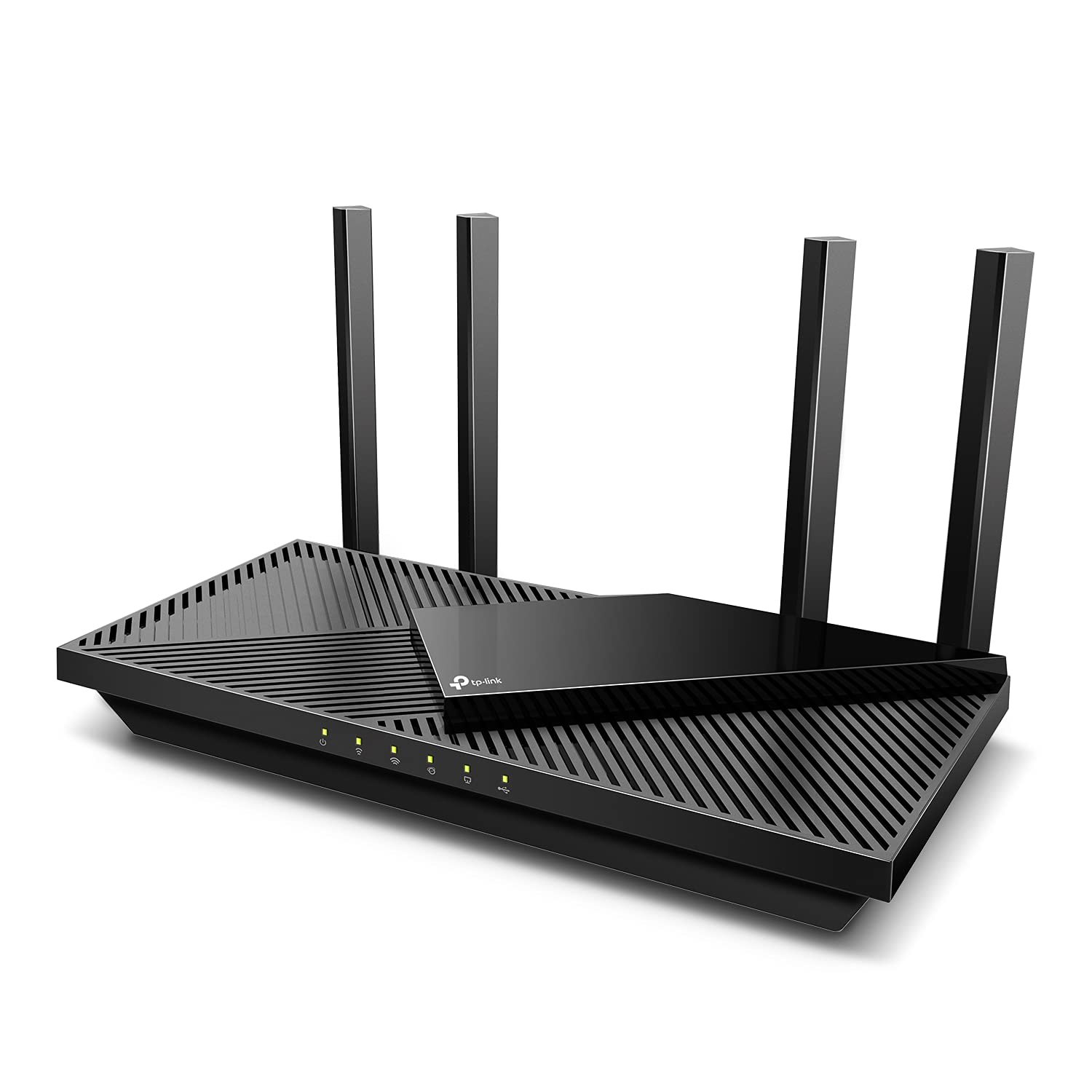
When shopping for a new router, several key features can help ensure your network remains secure against potential threats. Here are the top criteria to consider:
- Advanced Security Protocols: Look for routers that support WPA3 encryption, the latest Wi-Fi security standard, which offers enhanced protection over its predecessors.
- Automatic Firmware Updates: Choose a router that automatically updates its firmware to patch any vulnerabilities without requiring user intervention.
- Built-in Security Features: Features like firewalls, VPN support, and intrusion detection systems can provide an added layer of security.
- Guest Network Capability: A guest network allows visitors to access the internet without compromising your main network’s security.
Current Trends in Home Network Security
As we navigate through 2026, several trends are shaping the landscape of home network security. One notable trend is the increasing demand for routers with integrated network security solutions. Many manufacturers are now offering routers that come with built-in security software designed to detect and block malicious activity in real-time.
Another trend is the growing popularity of mesh networking systems. These systems provide better coverage and can enhance security by distributing the network load across multiple nodes, making it harder for attackers to penetrate the network.
Moreover, with the rise of IoT devices in homes, consumers are prioritizing routers that can efficiently manage multiple connected devices without compromising security or performance.
What to Look for in a Secure Router
When selecting a router, it’s essential to look beyond just speed and range. Here are additional features that can significantly enhance your home network’s security:
- Security Alerts: Routers that offer real-time alerts for suspicious activity can help you respond quickly to potential threats.
- Parental Controls: These features allow you to manage what content can be accessed on your network, adding a layer of protection for younger users.
- Device Management: The ability to see all devices connected to your network and manage their access can help prevent unauthorized use.
- User-Friendly Interface: A router with an intuitive interface makes it easier for users to configure settings and monitor security features.
Common Mistakes to Avoid
Even with the best router, users can still fall prey to security lapses. Here are some common mistakes to avoid:
- Neglecting Default Settings: Many users fail to change the default username and password, leaving their networks vulnerable. Always customize these settings.
- Ignoring Firmware Updates: Failing to update router firmware can leave your network susceptible to known vulnerabilities. Set reminders to check for updates regularly.
- Weak Wi-Fi Passwords: Using easily guessable passwords can compromise your network. Opt for complex passwords that combine letters, numbers, and symbols.
- Overlooking Device Security: Ensure all devices connected to your network have updated security software to minimize risks.
FAQ
What is WPA3, and why is it important?
WPA3 is the latest Wi-Fi security protocol that provides stronger encryption and protection against brute-force attacks. It is crucial for securing your home network and is recommended for modern routers.
How often should I update my router’s firmware?
It is advisable to check for firmware updates at least once a month. Many routers now offer automatic updates, which can simplify this process.
Can I improve my network security without buying a new router?
Yes, you can enhance your network security by changing default credentials, enabling WPA3 encryption if supported, and regularly updating your firmware. Additionally, consider using a VPN for added privacy.
In conclusion, as we embrace the technological advancements of 2026, ensuring your home network security is more important than ever. By choosing a router with robust security features, staying informed about current trends, and avoiding common mistakes, you can significantly enhance your Wi-Fi security. For those looking to upgrade, consider investing in a top-rated router that meets these criteria to safeguard your home network against evolving threats. Stay secure!